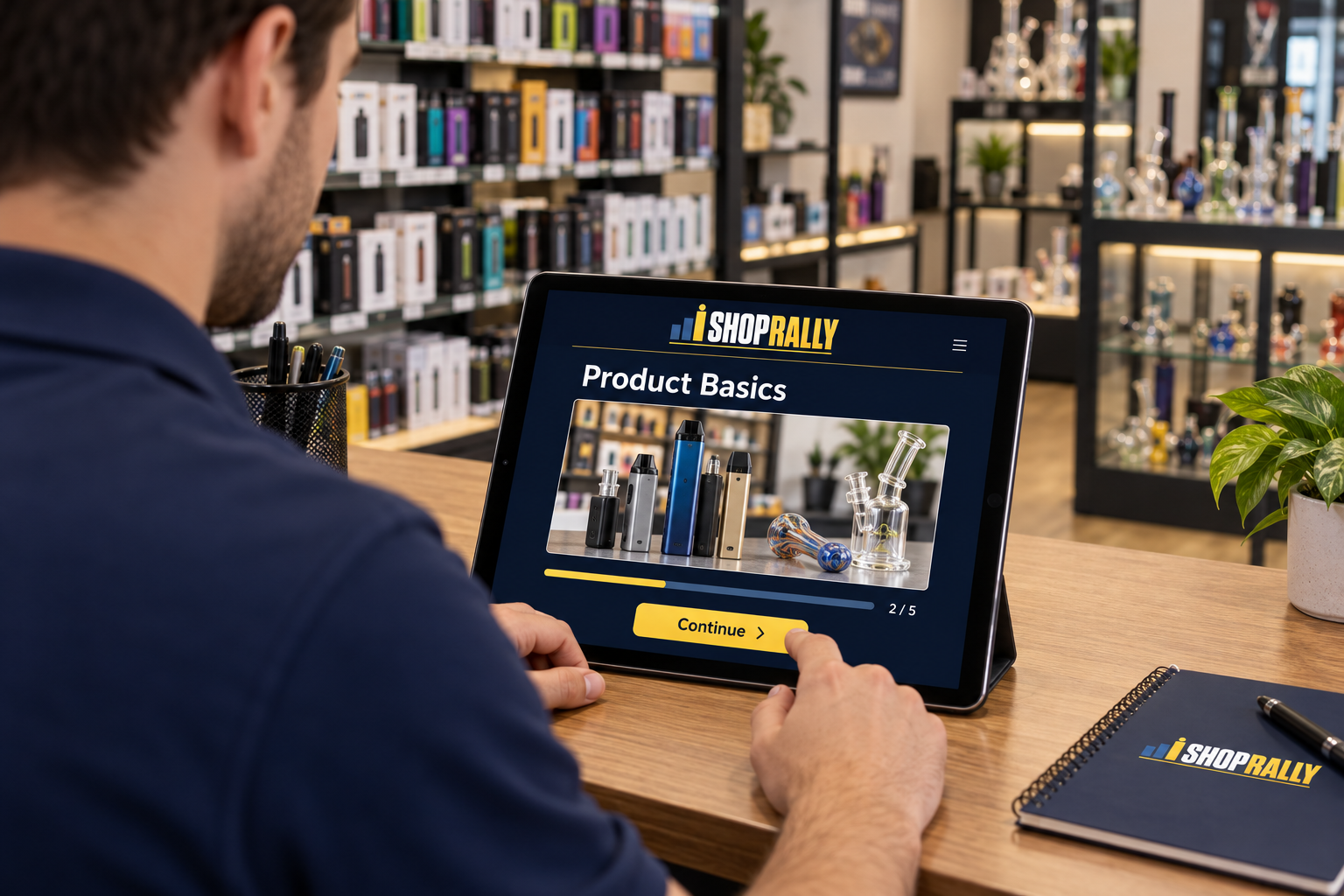
Learn the lineupShort lessons.
Short lessons.
Useful answers.
Work through product guides, videos, and modules at your own pace. Pick up the details that make it easier to explain options.

Get comfortable with the products you sell. Learn a little, help customers with confidence, and see how your progress stacks up with your team.
The public-facing portal is coming soon. Explore the sample demo while we get it ready.
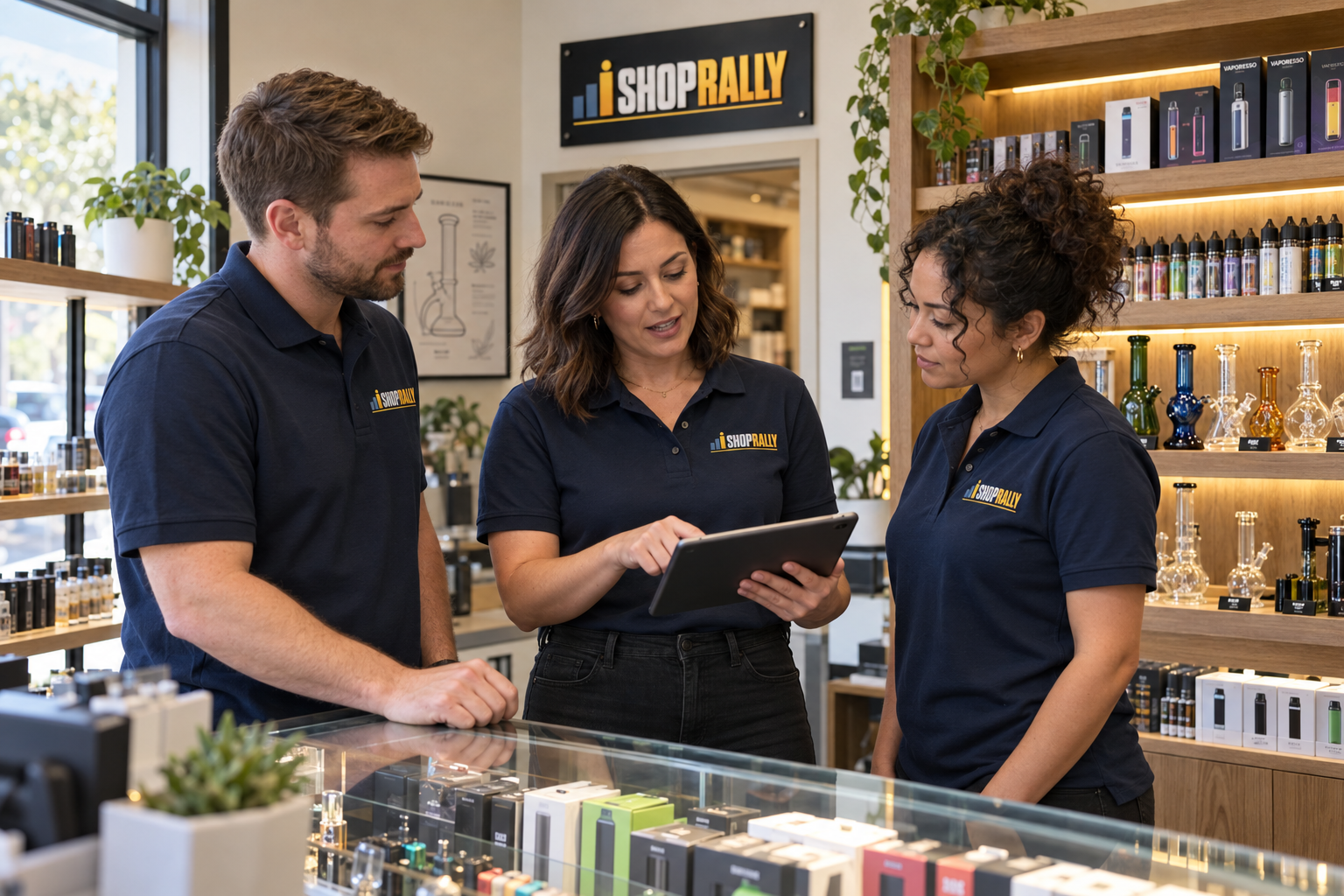
Training that connects to the questions customers actually ask—and the products your store actually carries.
Work through product guides, videos, and modules at your own pace. Pick up the details that make it easier to explain options.
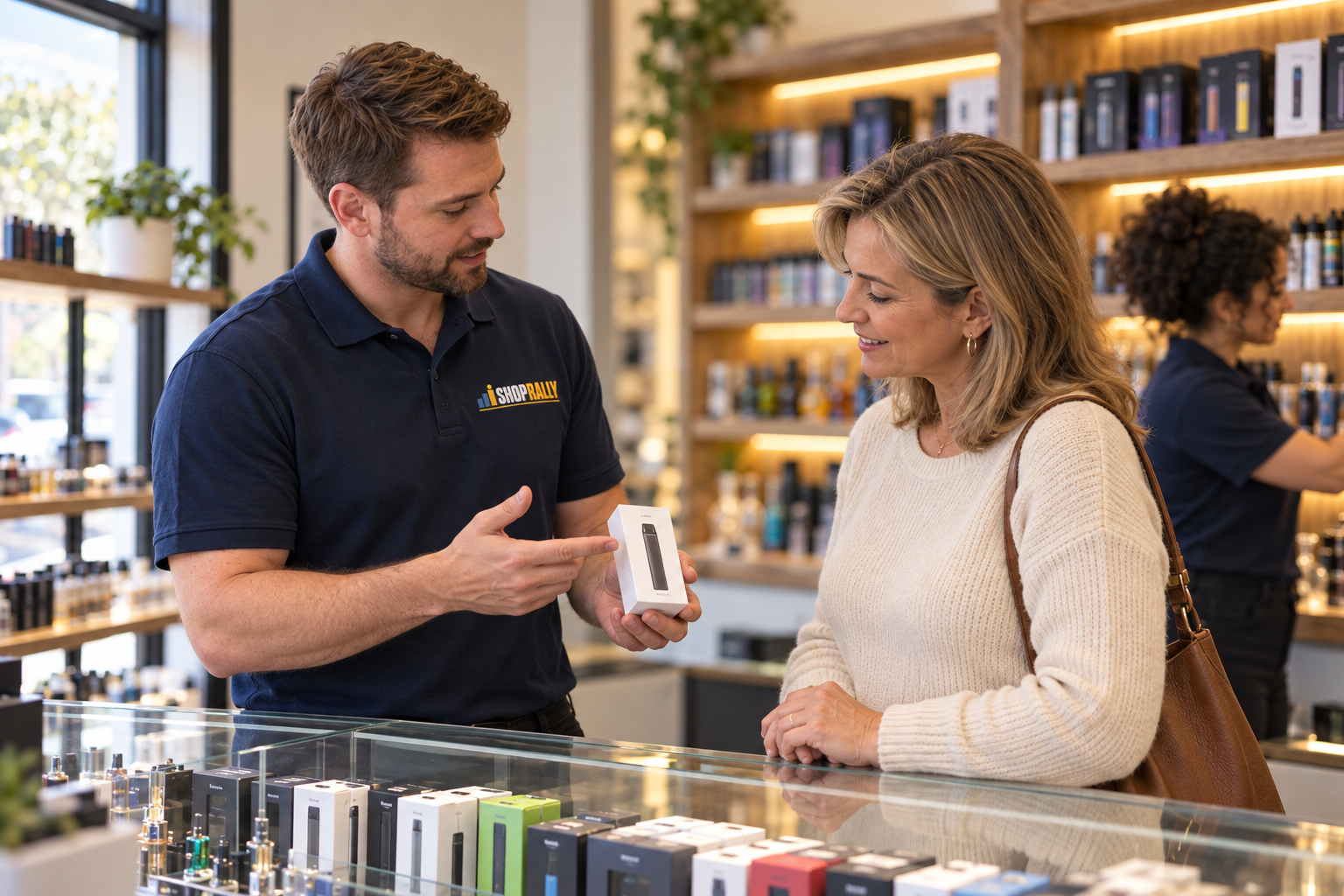
Put your knowledge into a real conversation: listen, explain the differences, and help someone find an option that fits.

Follow your training history, check team rankings, and take part in the challenges your store runs.

Your manager gives you the link and your account details. Each store has its own team space.
Check your training history and work through the next guide or module your store has available.
See your standing and the current challenge. Your manager can explain the goals and how results are recorded.
See where you stand, cheer on a coworker, and keep an eye on your next goal. Challenges give your team something to work toward together.
Store rankings stay within your team by default. A wider network comparison is available when your store opts in.
Preview team rankings →Illustrative rankings—not live staff results. Your store sets its own contest rules and goals.
The public-facing portal is coming soon. Already part of a Shoprally store? Keep using your existing store link. Need access or want Shoprally for your team? Reach out to Sunflare.
The public-facing portal is coming soon. Existing staff should use the link their store manager supplied. Until then, you can explore the interactive demo or reach out to Sunflare about access.
Contact your store manager so they can help with your account in your store’s portal. You don’t need to enter a password on this public site.
Your store’s board is private to your own team by default. Wider network visibility depends on your store opting in.
Tell your manager which product or customer question needs a guide. They can bring that request to the Shoprally team.
Your store defines the challenge, the timeframe, and any rewards. Check the rules in your portal or ask your manager before you get started.
The public-facing portal is coming soon. Reach out to discuss access, training, or setup for your store.